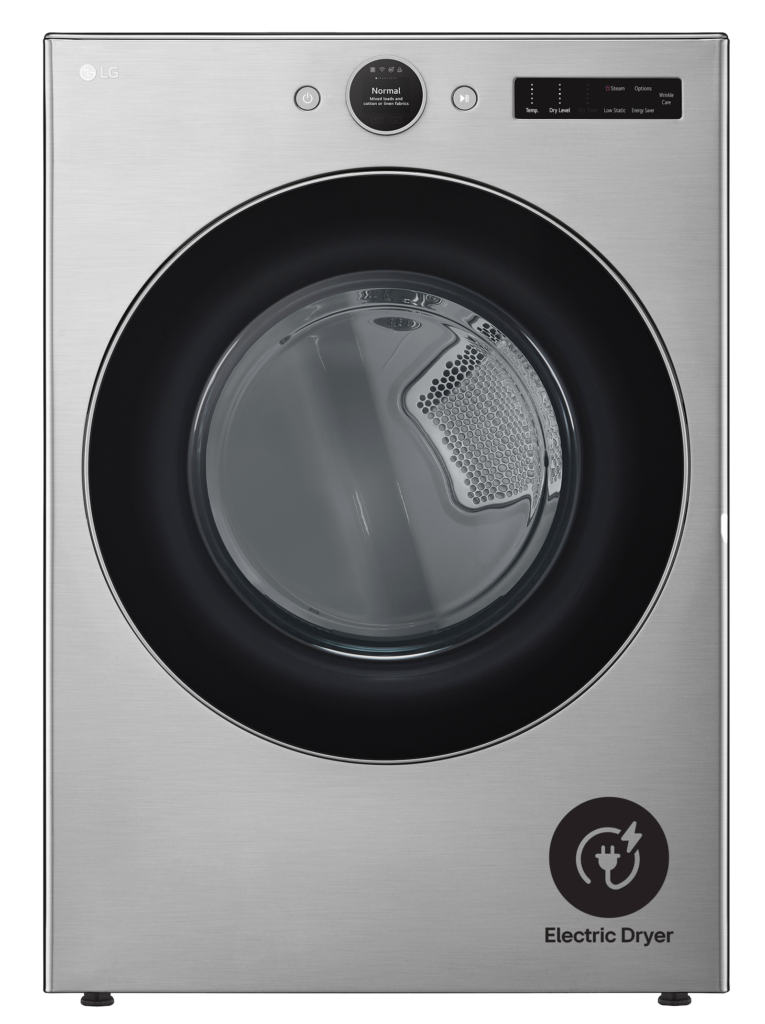
DLEX5500, DLEX5500V, DLEX5500W, DLEX6500, DLEX6500B, DLEX6500L, DLEX6500W, DLEX6700, DLEX6700B, DLEX6700W, DLEX8600, DLEX8600BE, DLEX8600WE, DLGX5501, DLGX5501V, DLGX5501W, DLGX6501, DLGX6501B, DLGX6501W, DLGX6701, DLGX6701B, DLGX6701W, DLGX8601, DLGX8601BEV, DLGX8601WE
power + temp + time
Button Push Sequence to enter Test Mode:
Unit must be in Standby (unit plugged in, display off).
Press “POWER” and press “Temp”, and “Time” quickly.
WARNING
The unit must be empty before beginning test mode. Running test mode with clothing inside could cause damage to the machine. Washing Machine service tests should only be used for testing. Test mode procedures should be used only by qualified service technicians and are not intended to be used by customers. Do not use these tests other than specified.
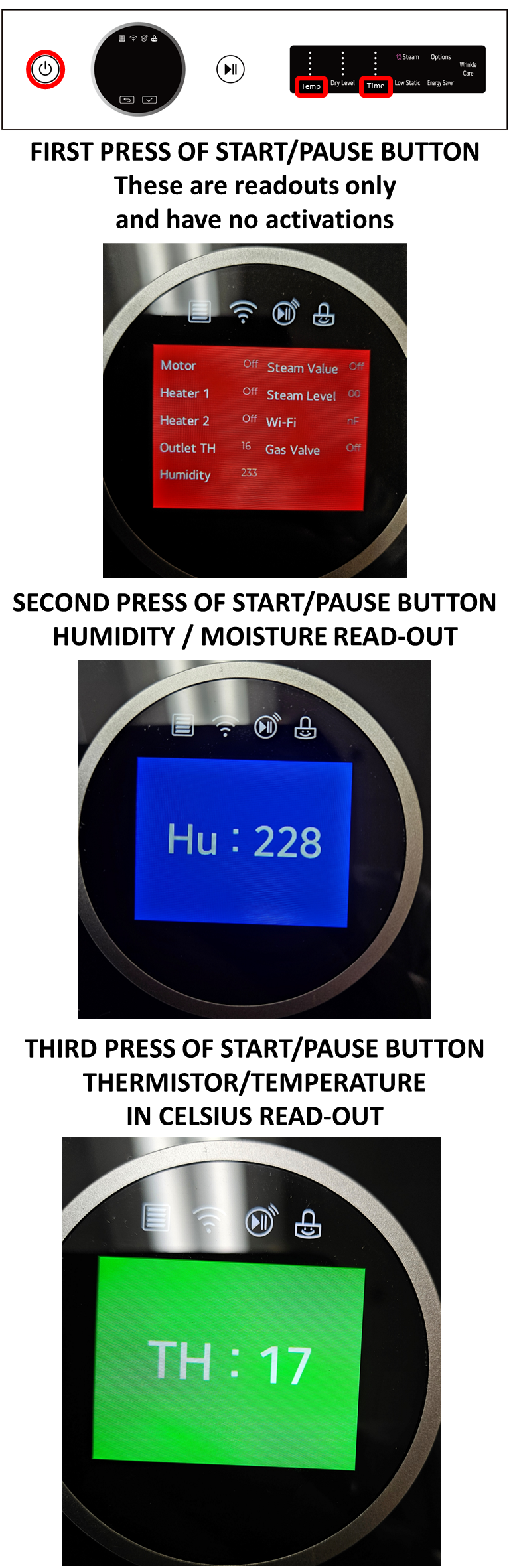
Special note for moisture tests:
Some models only have a two digit readout and will only display the first two digits of the moisture value.
Example: unit is dry and moisture value will read 23 instead of 239 which is a very dry value. If you put a damp cloth on the moisture bars it will go down to around 7 or 6.